
Waiting for your paper Sui Gas bill to arrive can be frustrating, especially when you need to confirm your charges before the due date. Fortunately, both SNGPL (Sui Northern Gas Pipelines Limited) and SSGC (Sui Southern Gas Company) offer fast, reliable methods to view and download your duplicate bill online.
This 2025 guide provides the exact official steps you need to perform your Sui Gas Bill Check Online. All you require is your unique Consumer Reference Number. Let’s start the process.
The Key to Sui Gas Bill Check Online – Your Reference Number
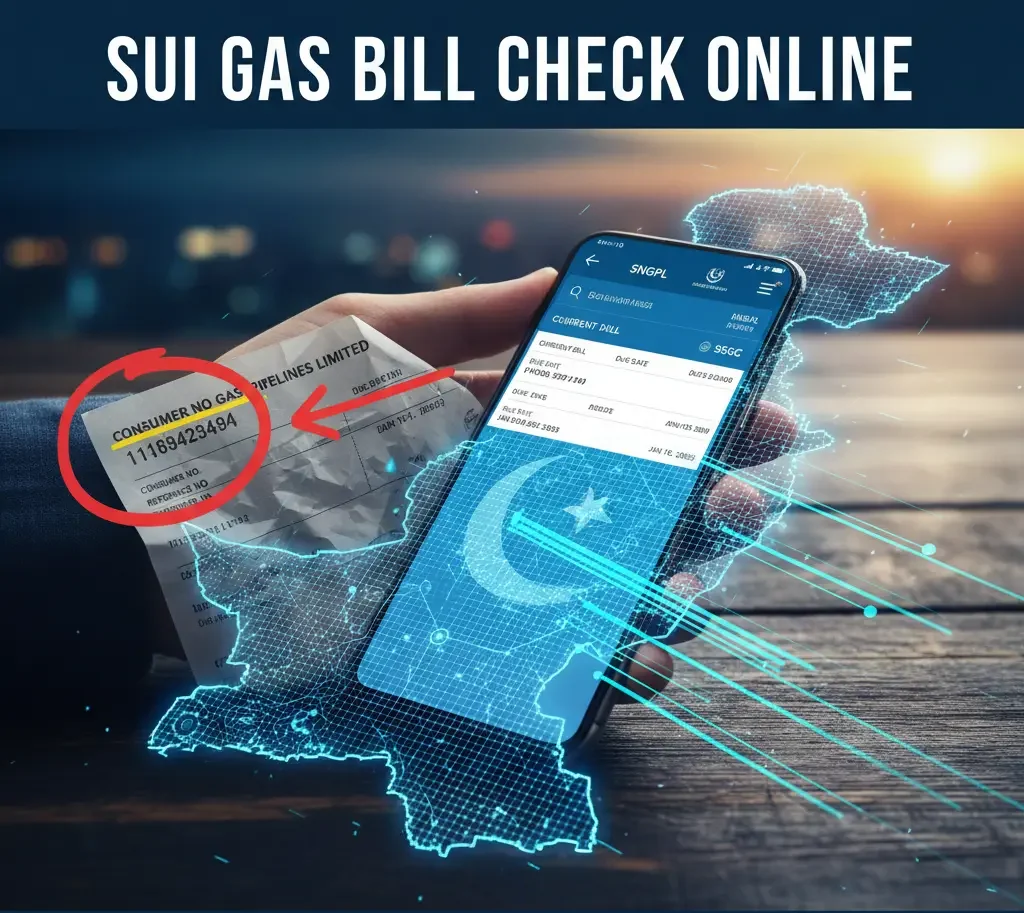
Before you can proceed with the Sui Gas Bill Check Online, you must know your unique identifier. This number is the only piece of information required on both SNGPL and SSGC portals—your name, CNIC, or address is not sufficient.
What is the Consumer Number?
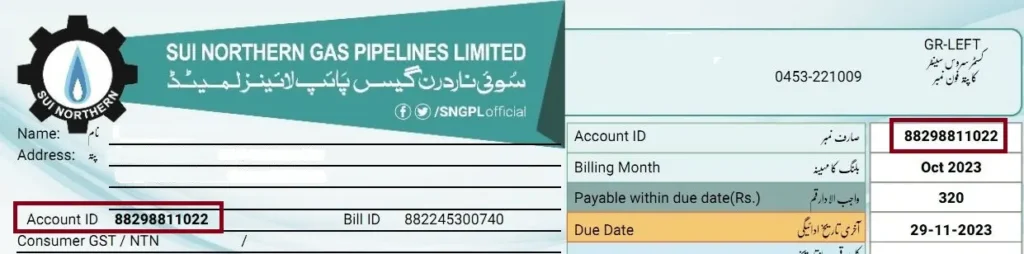
- SNGPL: It is typically an 11-digit number and is often labelled as “Consumer No.” or “Reference No.”
- SSGC: It is usually a 10-digit number, also labeled as “Customer No.” or “Account ID.”
Where to Find It:
- On a Previous Bill: Look at any old, printed gas bill. The number is usually prominently displayed in the top right or top left section.
- Via Mobile App (SSGC Only): The SSGC Customer Connect app can help you retrieve billing information if you have previously registered your details.
- From a Neighbour/Landlord: If you are a new tenant, you may need to ask the previous resident or your landlord for a copy, as the number remains tied to the physical connection.
Step-by-Step Guide for Sui Gas Bill Check Online
The procedure for both Sui Gas companies is nearly identical. Choose your service provider below and follow these steps to instantly access your bill.
Guide 2.1: SNGPL Sui Gas Bill Check Online (Punjab, KPK, Islamabad, AJK)
| Step | Action | Details |
| 1. | Go to the Official Portal | Open your browser and navigate directly to the SNGPL bill viewing portal. Avoid unofficial sites for security. |
| 2. | Enter Consumer ID | Enter your 11-digit Consumer Number precisely in the designated box. |
| 3. | View the Bill | Click the “Search” or “View Bill” button to perform your SNGPL Sui Gas Bill Check Online. |
| 4. | Review & Download | Your latest bill, including the amount due, due date, and consumption details, will appear instantly for download or print. |
Guide 2.2: SSGC Sui Gas Bill Check Online (Sindh & Balochistan)
| Step | Action | Details |
| 1. | Go to the Official Portal | Visit the official SSGC website’s “View Bill” section. |
| 2. | Enter Customer ID | Input your 10-digit Customer Number in the required field. |
| 3. | View the Bill | Click the “Submit” button to complete your SSGC Sui Gas Bill Check Online. |
| 4. | Download PDF | Your bill will usually open as a PDF document, ready for instant printing or saving. |
Pro Tip: Once you successfully perform the Sui Gas Bill Check Online, bookmark the official results page! This will save you time next month.
Alternative Methods & Mobile Apps
If you prefer to use a mobile device or want ongoing reminders, these options are essential for your digital billing experience.
3.1 Official Mobile Applications
- SSGC Customer Connect App: This official app allows users to check bills, view payment history, and lodge complaints directly on their smartphone.
- SNGPL Mobile Application: SNGPL also provides a dedicated app that allows users to check their monthly bills and track their payment status.
3.2 E-Bill and SMS Alert Registration
Both companies offer free services where you can register your email address and mobile number to receive the bill copy and payment alerts digitally. This is the most reliable way to ensure you never miss a due date.
3.3 Mobile Banking Apps
Your bank’s mobile app (HBL, UBL, Meezan, Allied, etc.) and digital wallets (Jazz-Cash, Easy-paisa) all allow you to check the bill amount and pay it instantly by entering your Consumer/Reference Number in the Utility Bills section.
Frequently Asked Questions (FAQs)
Q1: Is the online bill considered a valid duplicate bill after the Sui Gas Bill Check Online?
A: Yes. The duplicate bill retrieved and downloaded from the official SNGPL or SSGC website is a fully valid document and can be printed and paid at any bank or post office, just like the original mailed bill.
Q2: Can I use my CNIC instead of the Consumer Number for the Sui Gas Bill Check Online?
A: No. Officially, the primary and required input is the Consumer Reference Number (Account ID). While some new updates or third-party apps may use CNIC for verification during initial account registration, the bill itself is generated and retrieved based on the unique connection number for the Sui Gas Bill Check Online.
Q3: What if I get an “Invalid Consumer Number” error during my Sui Gas Bill Check Online?
A: This error usually means the number was typed incorrectly.
- Double-check: Ensure your 10 or 11-digit number is correct.
- Verify Operator: Make sure you are using the correct company’s portal (e.g., you cannot check an SNGPL bill on the SSGC site).
- Contact Support: If the error persists, call your respective company’s customer support (SNGPL: 1199, SSGC: 1199) to verify your account number and get help with your Sui Gas Bill Check Online.
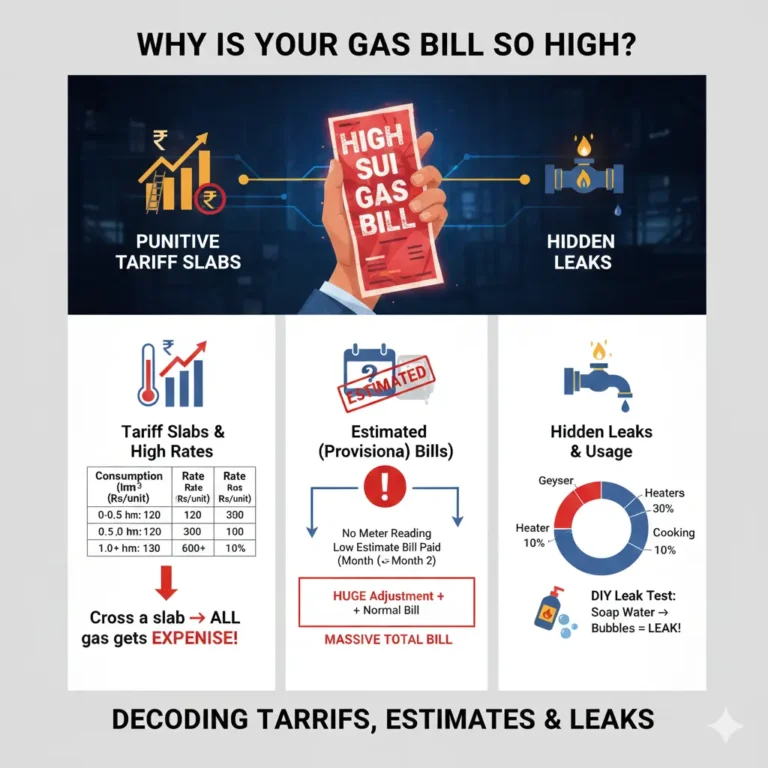
Q4: Why is my bill showing as “Provisional” or “Estimated”?
A: A Provisional/Estimated bill is issued when the meter reader could not take an actual reading. The bill amount is based on your average consumption from previous months. This amount is always adjusted in the next bill once an actual reading is recorded.
Q5: Will I be charged extra for downloading my bill online?
A: No. Checking and downloading your Sui Gas bill online via the official portals or approved apps is completely free of charge.